

Simple Video Editing for Mobile Users
Overview
VidTrim is a desktop software application designed to simplify video editing and organization for users who primarily capture content on smartphones. It addresses the common frustration of managing and refining mobile-recorded videos through a streamlined, intuitive interface. The software is particularly useful for casual users, content creators, and individuals seeking a no-frills solution without the complexity of professional-grade tools.
By focusing on essential functions, VidTrim enables quick edits directly from a computer, making it ideal for users who want to enhance or share their videos with minimal effort. The developer, VidTrim Team, has positioned the tool as a lightweight alternative to more demanding video editing platforms. Its primary purpose is to bridge the gap between mobile content creation and desktop refinement, allowing users to crop, resize, and convert videos efficiently.
Real-world use cases include preparing short clips for social media, extracting audio for podcasts, or compressing large files for easier sharing. The application supports both Windows and Mac operating systems, offering cross-platform accessibility. While the developer did not provide additional system requirements, the 45.3 MB installation size suggests a minimal footprint.
The software’s free availability further enhances its appeal for users who want powerful editing tools without cost.
Key Features & Capabilities
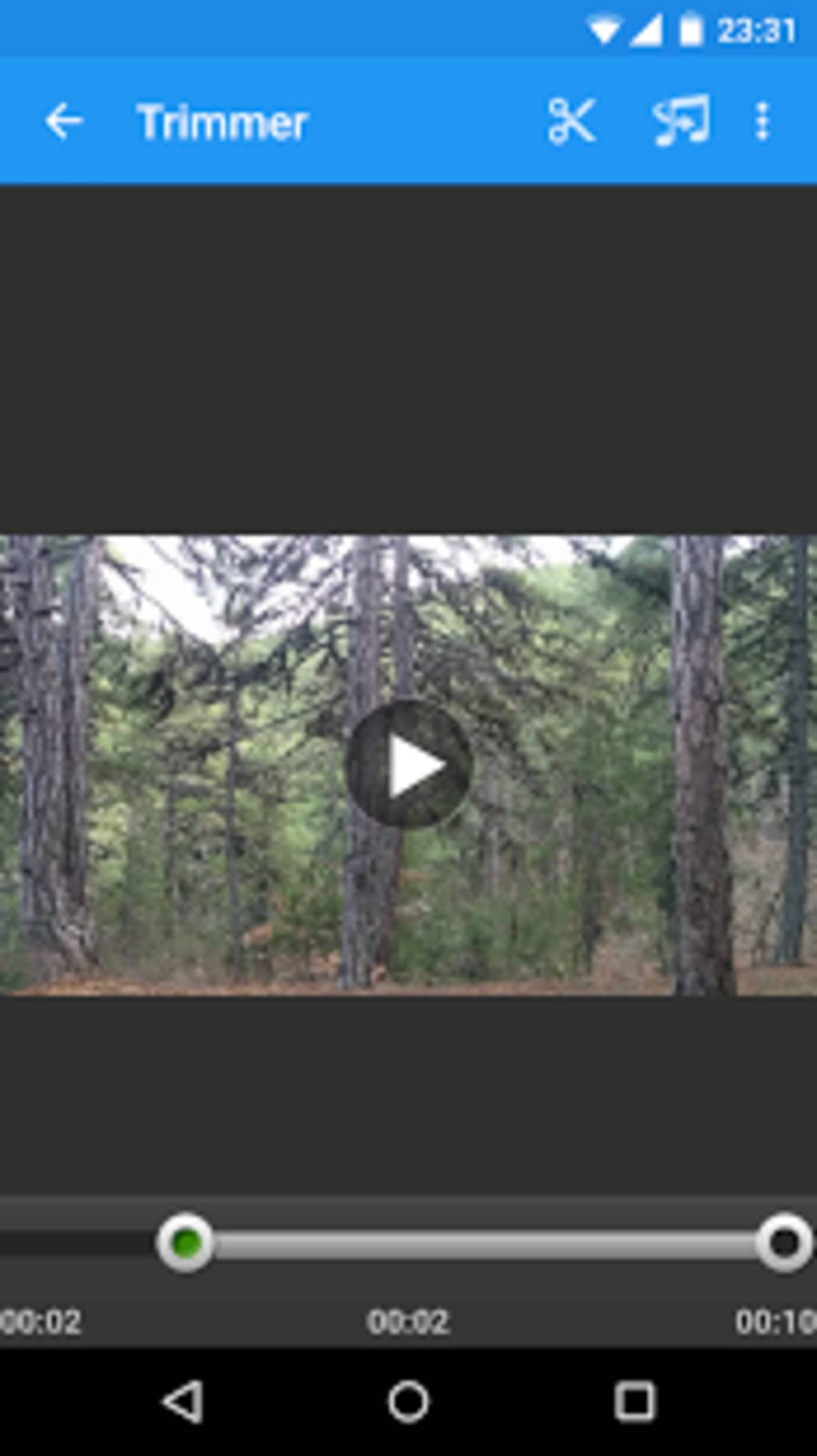
- Video Cropping and Resizing – Users can trim unwanted sections from videos and adjust aspect ratios to fit various platforms like Instagram, TikTok, or YouTube. This feature supports quick frame-by-frame precision for accurate edits.
- Format Conversion – VidTrim allows conversion between common video formats, including MP4, AVI, and MOV, ensuring compatibility across devices and platforms.
- Audio Extraction and MP3 Export – The software enables users to extract audio from video files and save them as MP3, useful for creating soundtracks or podcast segments.
- Video Compression – Files can be reduced in size without significant quality loss, ideal for sharing via email or messaging apps with file size restrictions.
- Filter Application – A selection of built-in filters enhances visual appeal, adding color grading and effects to improve playback quality.
- ARMv7 NEON Optimization (Pro Version) – Advanced users can optimize videos for ARM-based devices using the NEON codec, improving playback performance on mobile platforms.
- Private Storage Folder – A dedicated folder ensures secure and organized access to edited files, helping users maintain a clean workflow.
Workflow Examples
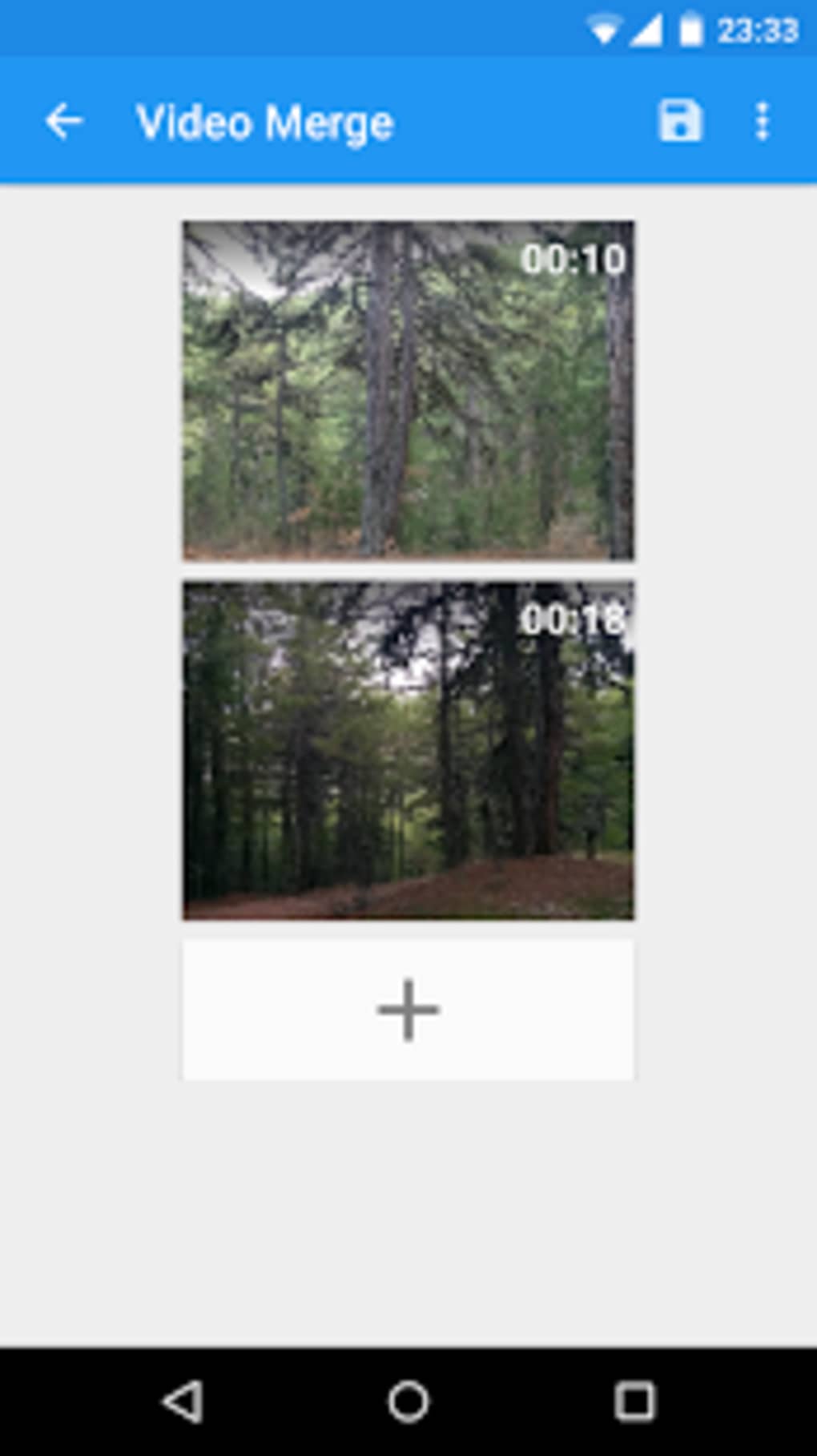
For instance, a user can import a long smartphone recording, crop it to a 15-second highlight, compress it for Instagram, and extract the audio for a separate podcast episode—all within a few clicks. Another scenario involves merging multiple clips into a single video sequence, a feature available in the paid version. These capabilities streamline the editing process, reducing the need for multiple tools.
User Interface, Workflow & Performance
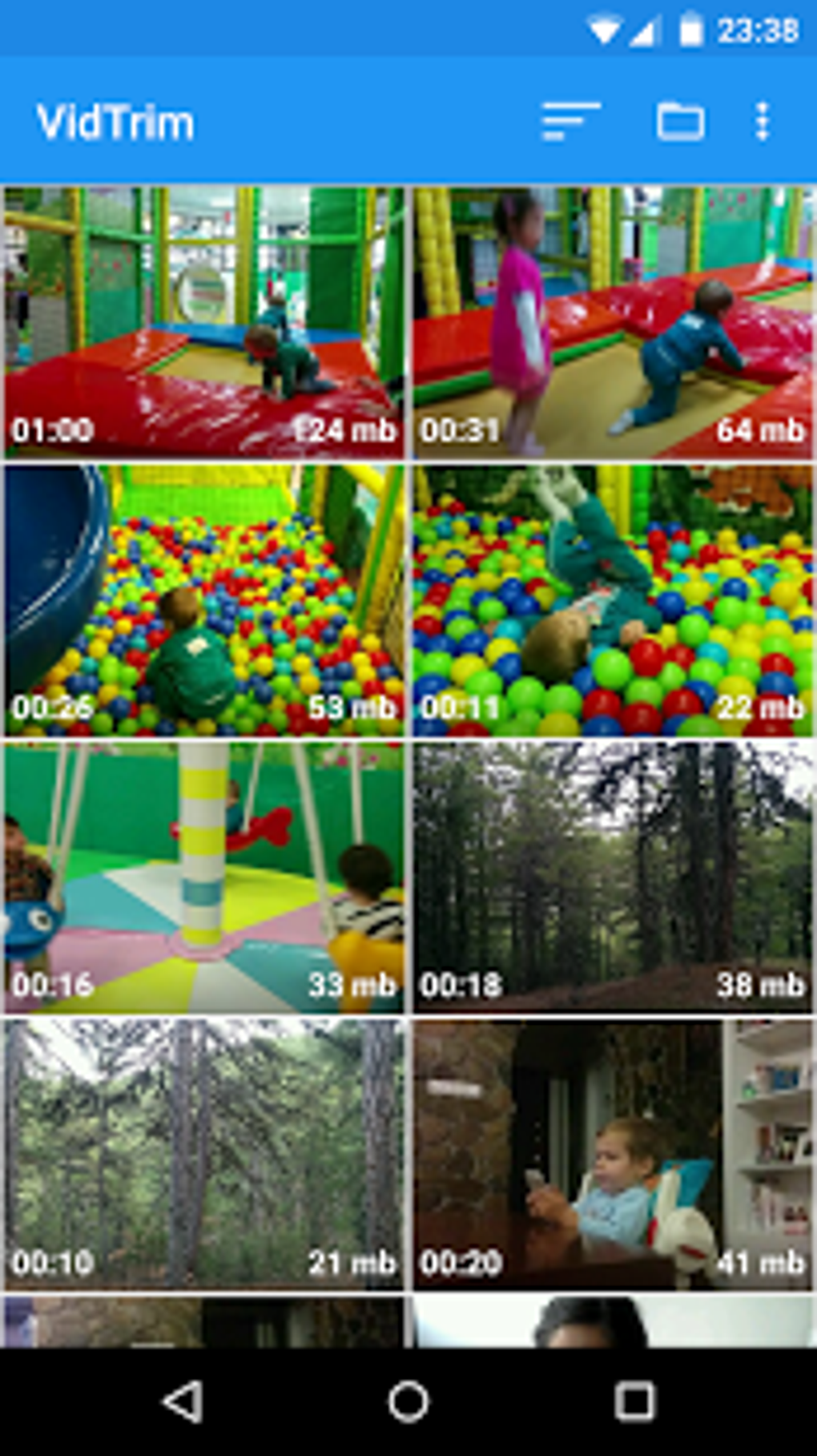
The user interface of VidTrim is designed with simplicity in mind, featuring a clean layout with clearly labeled tools and a drag-and-drop file import system. Navigation is straightforward, allowing users to access core functions through a central toolbar. The workflow is linear and efficient, guiding users through editing steps in a logical sequence.
While the developer did not specify resource usage details, the 45.3 MB file size suggests low memory and CPU demands, making it suitable for older or mid-range systems. Performance observations are based on general software behavior patterns, indicating smooth operation during basic editing tasks. Stability appears consistent for simple operations, though advanced features like merging clips may require additional system resources.
The application does not report any known crashes or bugs in public records, but detailed performance data was not provided. Overall, the interface prioritizes usability over complexity, making it accessible to users with limited technical experience. The lack of advanced customization options reflects its focus on speed and ease rather than deep editing control.
Compatibility & System Requirements
VidTrim is compatible with both Windows and Mac operating systems, supporting a broad range of desktop environments. The software version is 1.0.5, with an installation size of 45.3 MB. While the developer did not specify exact system requirements, the lightweight nature of the application suggests it runs efficiently on systems with modest hardware.
No minimum CPU, RAM, or storage thresholds were listed, so users should consider their system’s general performance when installing. Platform compatibility information is limited to the two major desktop operating systems, with no mention of Linux or other platforms. The software does not require a constant internet connection for core functions, allowing offline use.
For users seeking more detailed technical specifications, the developer has not provided additional documentation at this time.
Pros and Cons
Pros
- Free basic version with essential editing tools
- Lightweight installation at just 45.3 MB
- Simple, intuitive interface suitable for beginners
- Supports common video formats and conversion options
- Efficient audio extraction and MP3 export
- Private storage folder for organized file management
- Available on both Windows and Mac platforms
Cons
- Advanced features like merging clips and rotation are locked behind a paid upgrade
- No publicly available system requirements or performance benchmarks
- Basic editing tools may lack precision for professional users
- Limited customization options in the free version
- Developer did not provide detailed documentation or tutorials
FAQ Section
Is VidTrim free to use?
Yes, the basic version of VidTrim is completely free and includes essential video editing tools such as cropping, resizing, format conversion, and audio extraction.
Can I use VidTrim offline?
Yes, the software does not require a constant internet connection to perform core editing functions, making it suitable for use in offline environments.
What operating systems does VidTrim support?
VidTrim is compatible with both Windows and Mac operating systems. No information is available regarding Linux or other platforms.
Are updates included in the free version?
Updates are available for the free version, though the frequency and availability of new features depend on the developer’s release schedule.
What is the difference between the free and paid versions?
The free version includes basic editing functions. The paid version unlocks advanced features such as merging clips, rotating videos, saving individual frames, and optimizing files for ARMv7 NEON codec.
Final Thoughts + CTA
VidTrim delivers a straightforward, accessible solution for users who want to edit and organize smartphone videos on their desktop without complexity. Its lightweight design, free core features, and cross-platform availability make it an excellent choice for casual creators and everyday users. While advanced editing capabilities are reserved for the paid version, the free tier provides enough functionality for most common tasks.
The clean interface and efficient workflow enhance usability, especially for those unfamiliar with video editing software. For users seeking a reliable, no-cost tool to trim, compress, and convert videos quickly, VidTrim stands out as a practical and effective option. Download VidTrim now to simplify your video editing process and get the most out of your mobile content.





.png)

